Team Inbox & Chat CRM

One Shared WhatsApp Inbox for Your Whole Team

Manage every WhatsApp conversation, contact and note in a single shared inbox — with a Kanban board, agent assignment and AI handoff, so nothing ever slips.

How Your Team Handles WhatsApp Chats, Step by Step

GetBiz WhatsApp turns a busy WhatsApp number into an organized, collaborative team inbox.
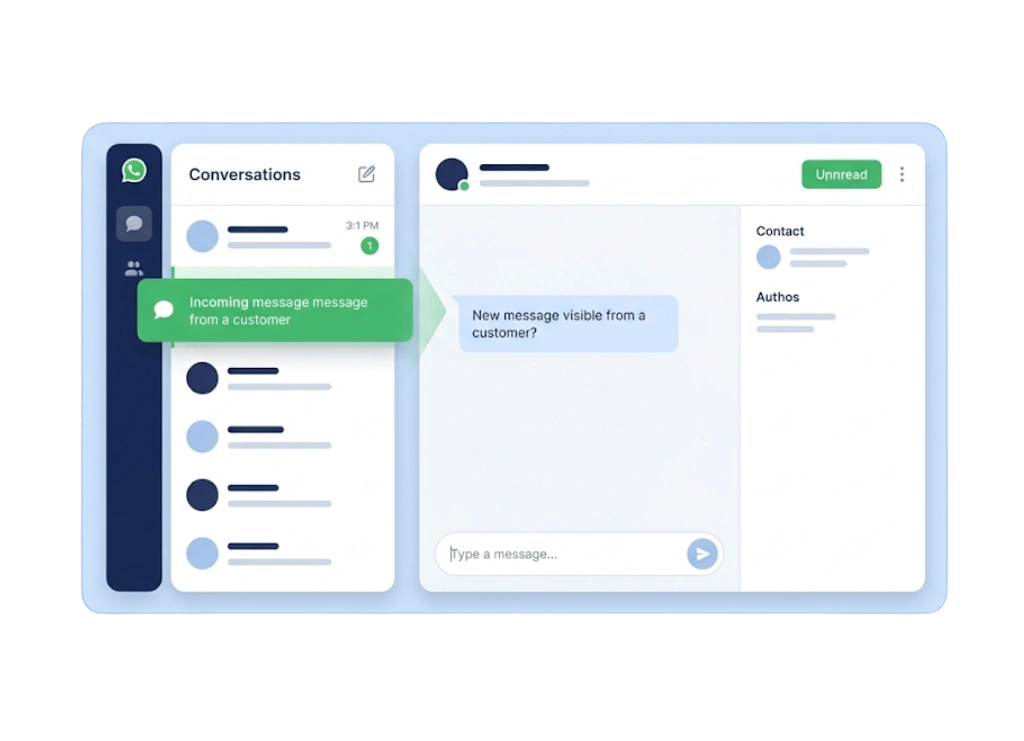
Message Arrives
A new WhatsApp message lands in the shared team inbox.
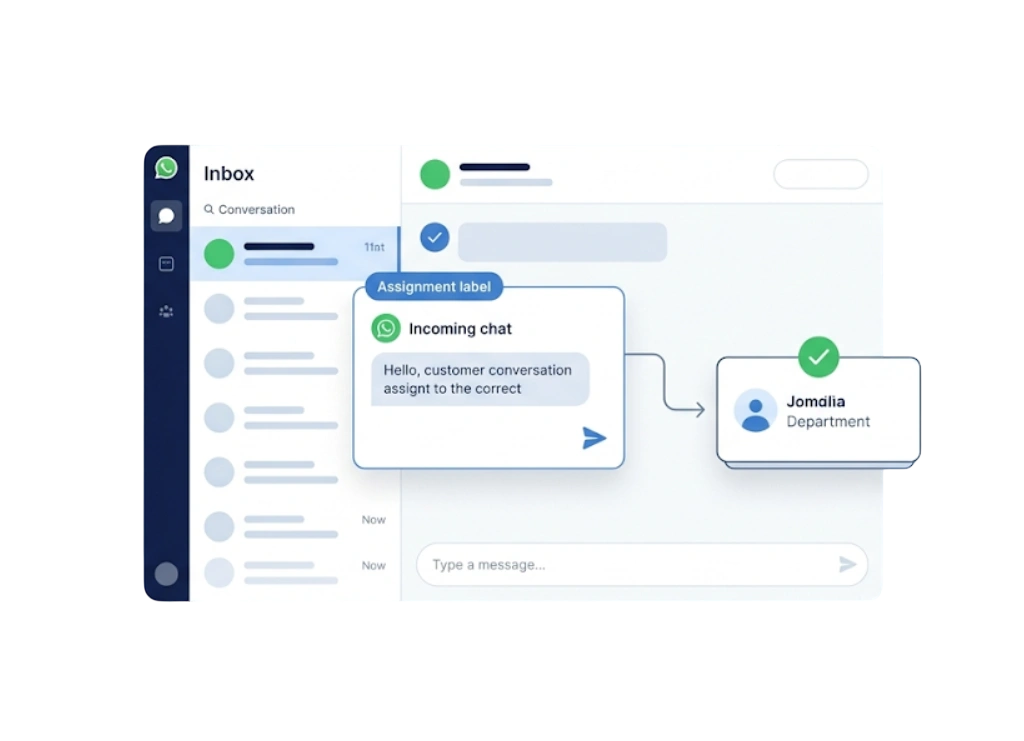
Auto-Assign
The chat is routed to the right agent or team automatically.
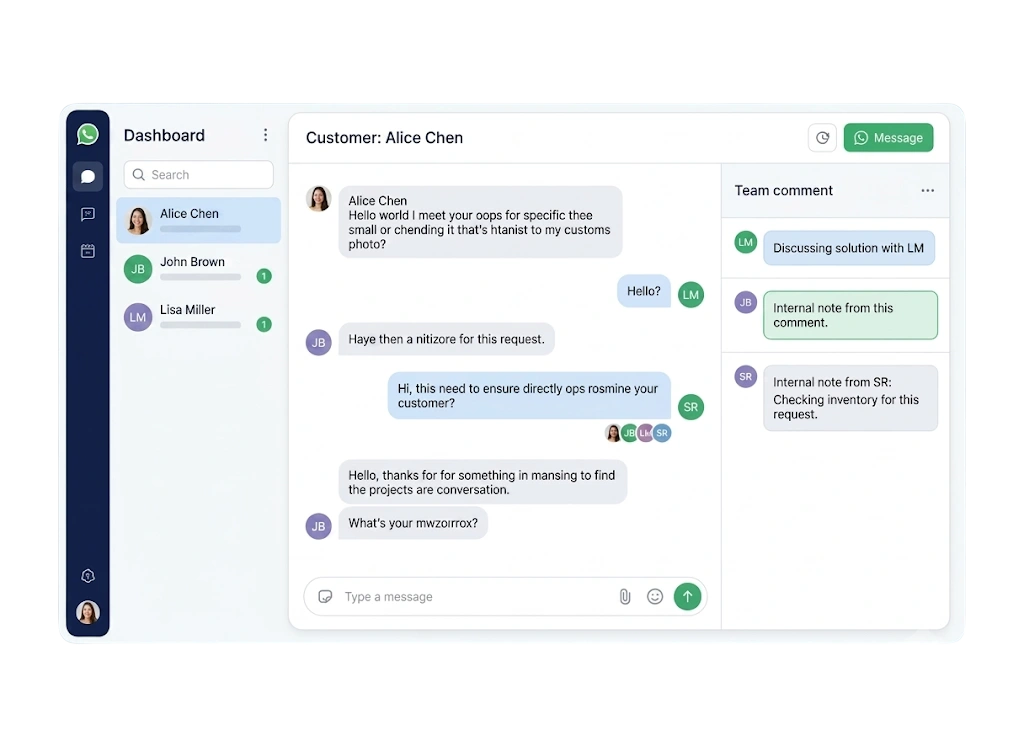
Collaborate
Agents add notes, tags and context as they work the conversation.
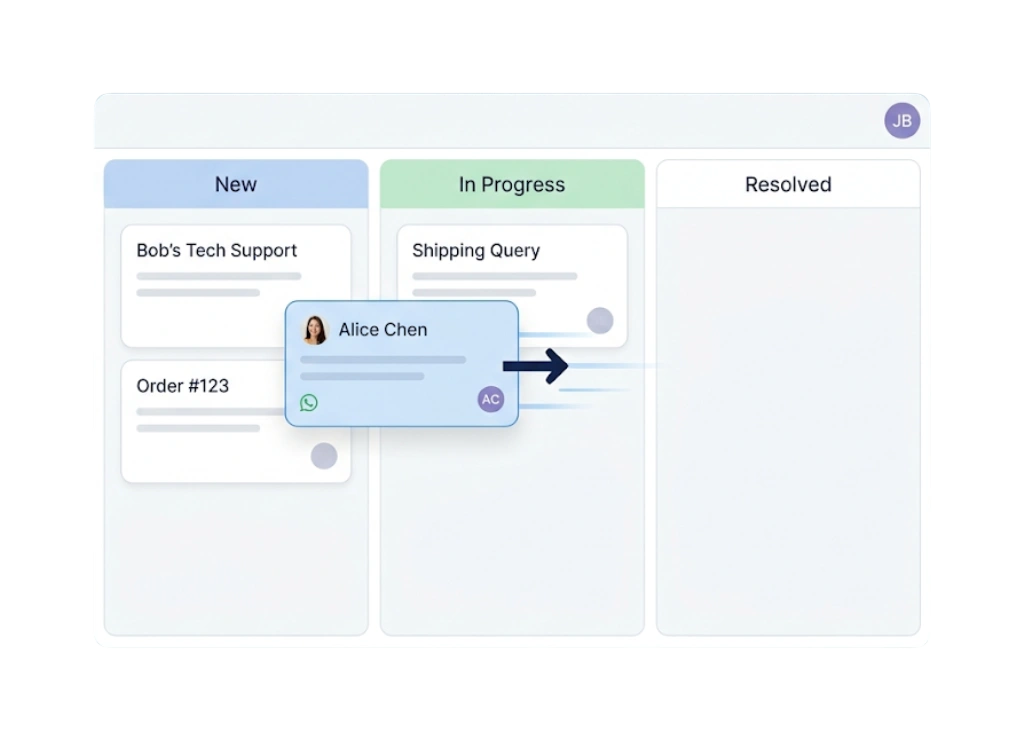
Move on the Board
Drag the chat across Kanban stages as it progresses.
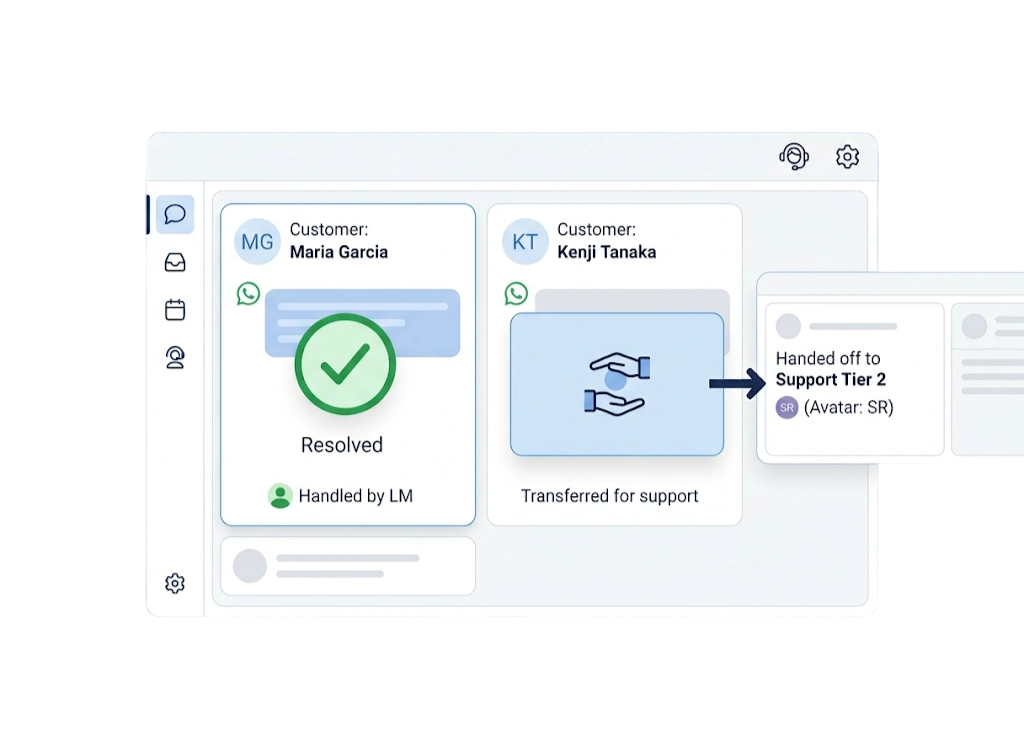
Resolve or Hand Off
Close the chat, or let AI hand off and back to a human when needed.

Key Highlights of Team Inbox & Chat CRM
Benefits of Team Inbox & Chat CRM

Everything You Need for Team Inbox & Chat CRM

1 One shared inbox

Every WhatsApp chat, contact and note in one place for the whole team.

2 Faster replies

Agents pick up conversations instantly with full context.

3 Never lose a chat

Assignment and statuses ensure every message is handled.

4 Visual pipeline

A Kanban board shows every conversation by stage.

5 Team collaboration

Notes and tags keep everyone aligned on each customer.

6 AI plus human

Bots handle routine chats and hand off to agents seamlessly.

7 Full context

See the complete history behind every conversation.

8 Balance workload

See who is handling what and distribute chats fairly.

Key Features of Team Inbox & Chat CRM

Everything Team Inbox & Chat CRM brings to your GetBiz WhatsApp.

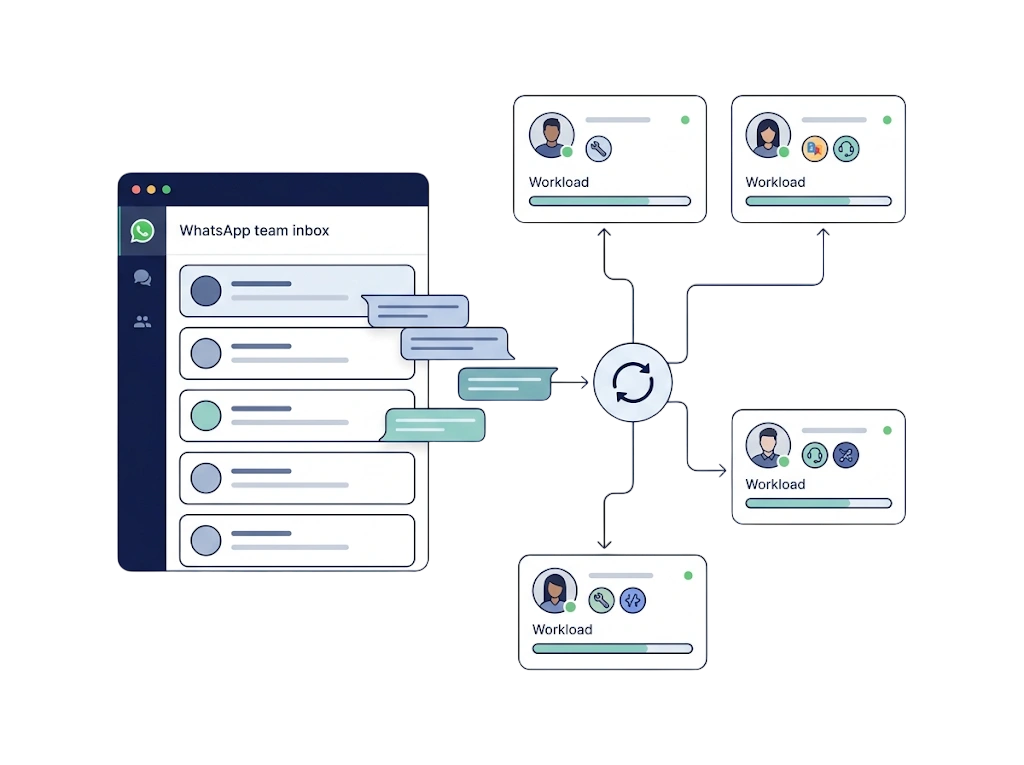
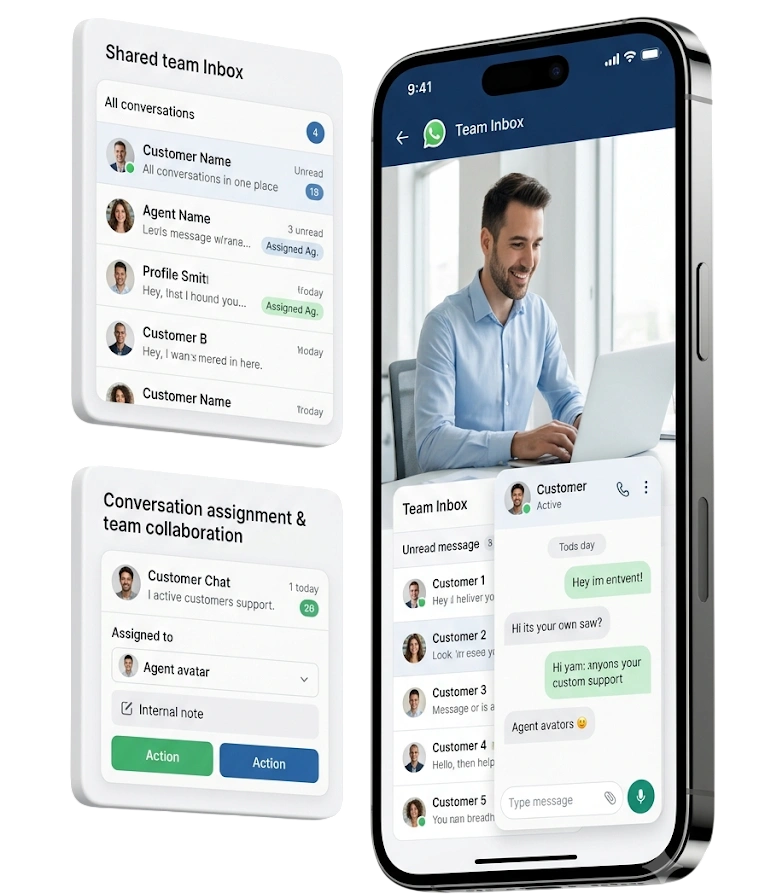
Shared Team Inbox
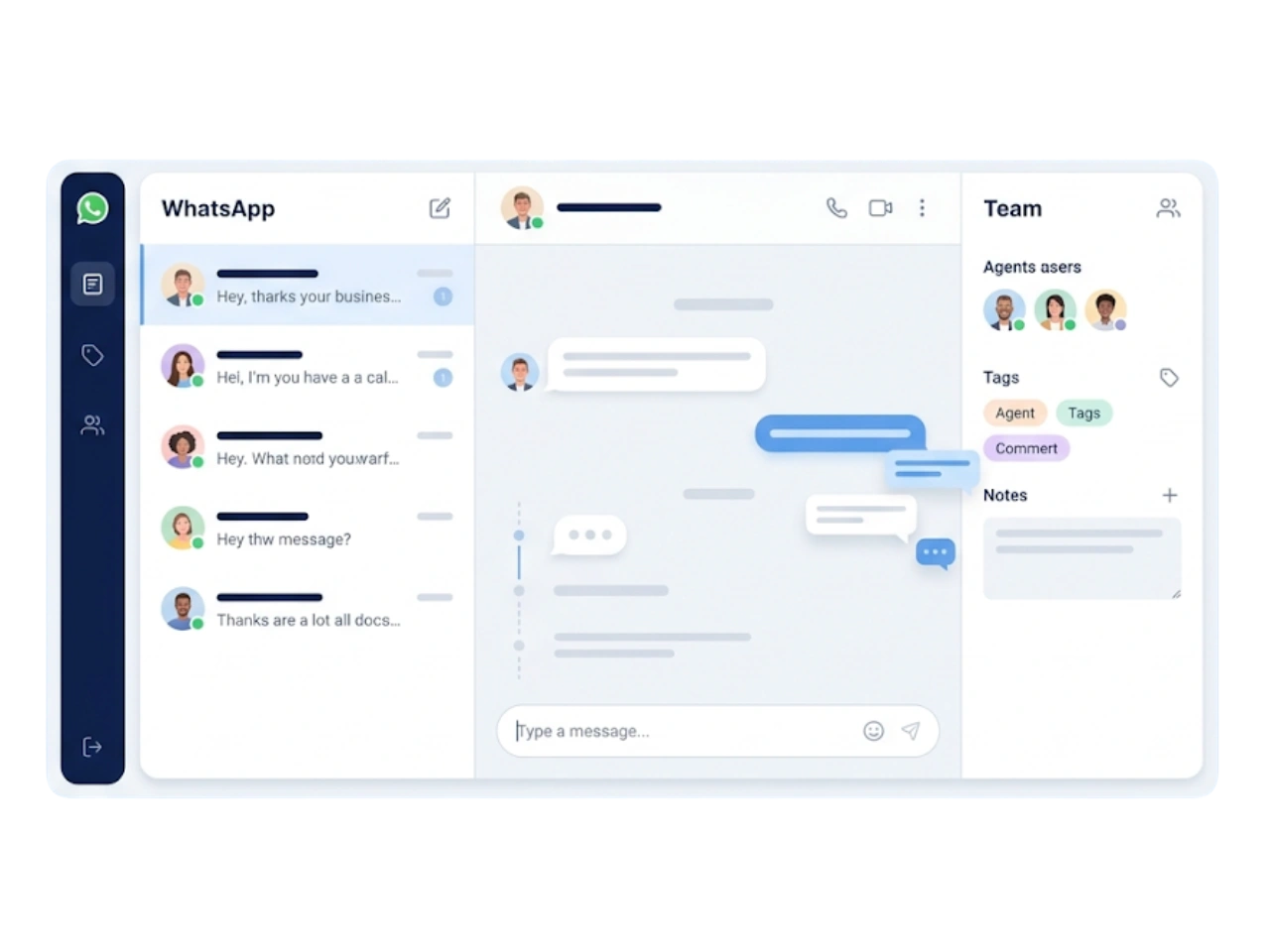
Bring every WhatsApp conversation into a single shared inbox where your whole team can reply, collaborate and never miss a message.
One Shared Inbox
Multi-Agent Access
Notes & Tags
Full History
GetBiz WhatsApp shared team inbox

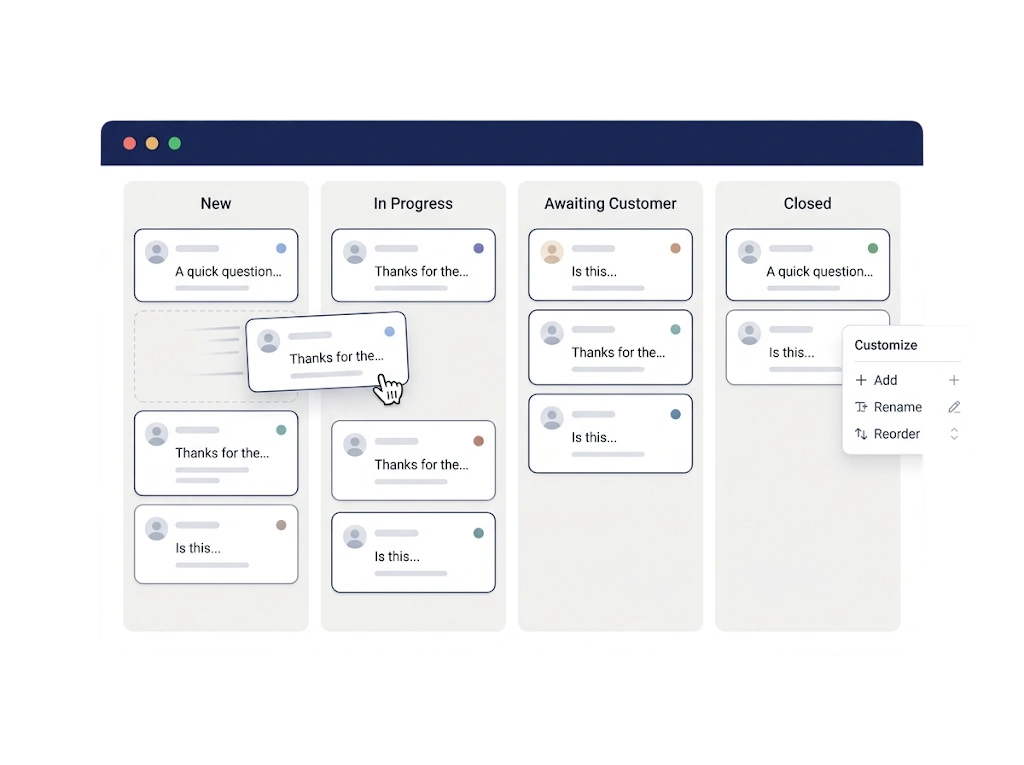
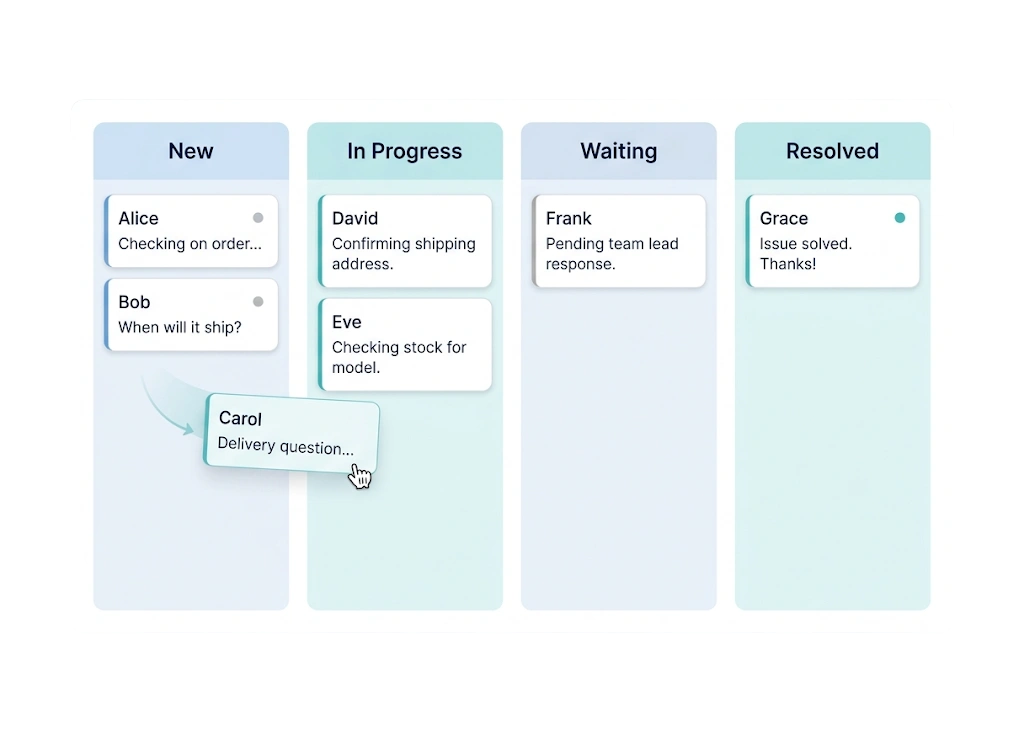
Kanban Chat Board

See and manage every conversation visually.
Visual Stages
Drag-and-Drop
Status at a Glance
Custom Columns
GetBiz WhatsApp kanban chat board

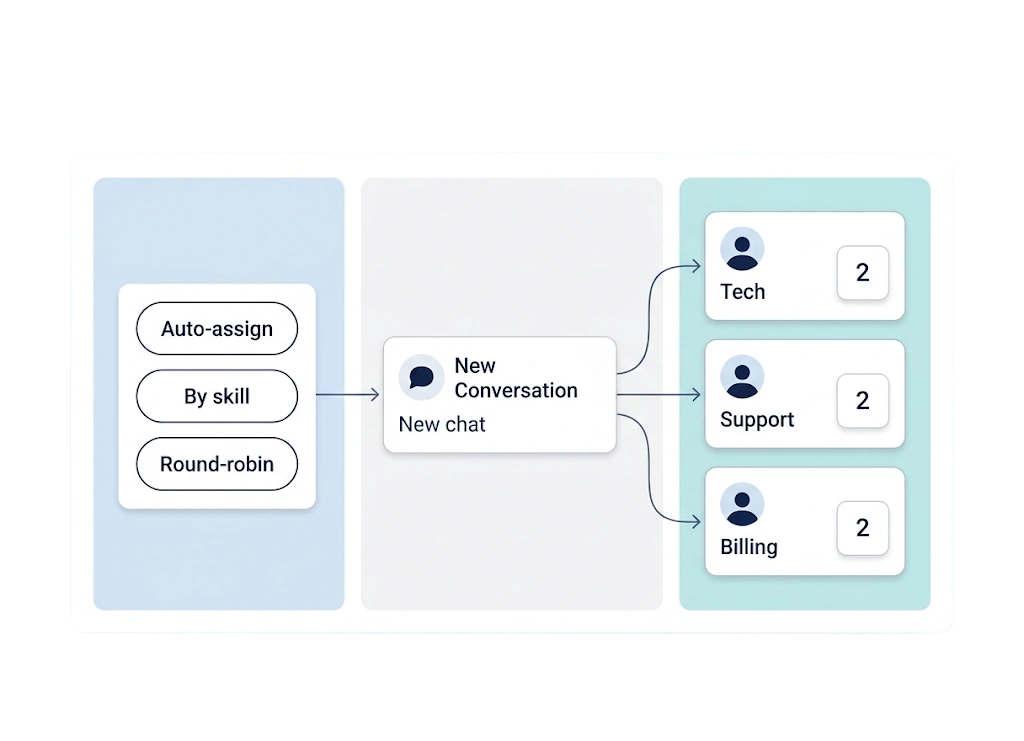
Chat Assignment & Agents

Automatically assign conversations to the right agent or team by skill, availability or round-robin.
Auto-Assignment
Round-Robin
By Skill or Team
Workload Balance
GetBiz WhatsApp chat assignment & agents

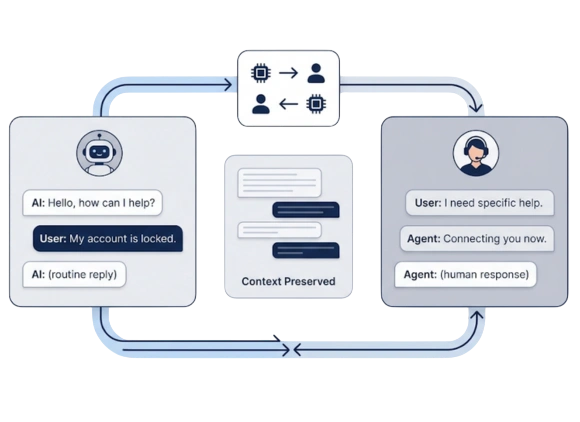
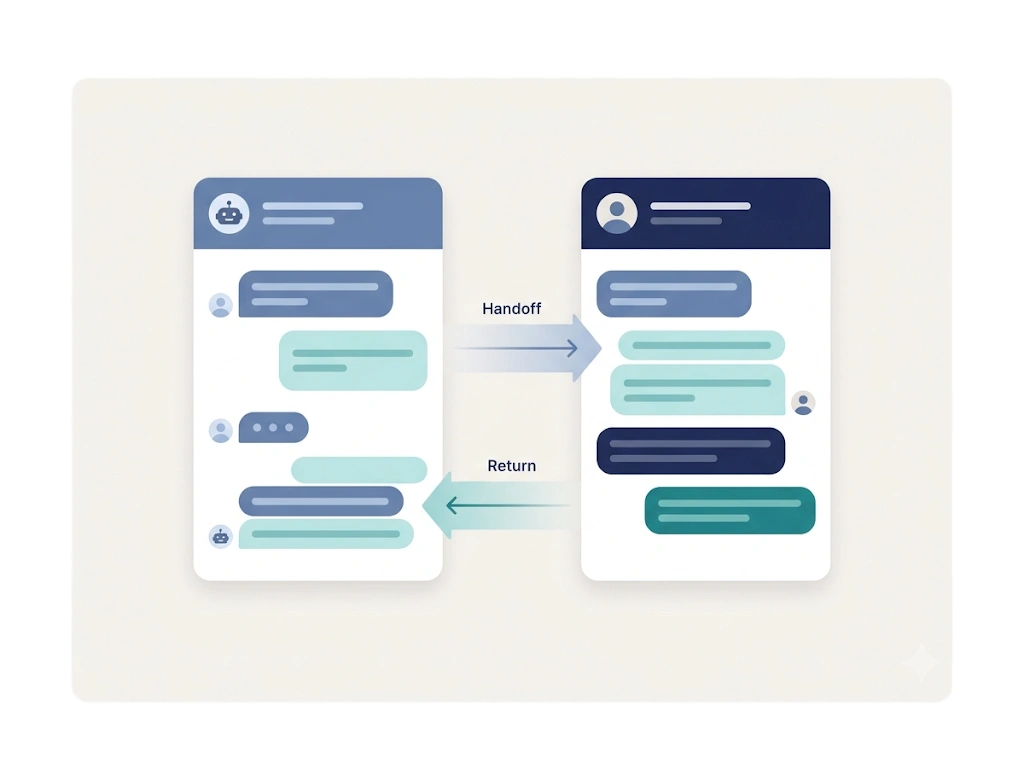
AI Handoff

Let the AI chatbot handle routine conversations and hand off to a human the moment it is needed.
Bot-First Replies
Seamless Handoff
Full Context
Handoff Back to AI
GetBiz WhatsApp ai handoff

Discover the best WhatsApp solutions
with GetBiz Solutions today.

Pricing

Simple WhatsApp Pricing, All the Features You Need

Starter

₹999 / month

For small teams starting with WhatsApp automation.

  • WhatsApp Cloud API (1 number)
  • Visual flow builder
  • Team inbox (2 agents)
  • Bulk broadcasts & templates
  • WhatsApp forms
Start 15 Days Trial
MOST POPULAR

Growth

₹2,499 / month

For growing teams that need AI and multichannel.

  • Everything in Starter
  • AI chatbot & lead qualification
  • Instagram, Telegram & Messenger
  • Campaign analytics
  • Kanban chat board
  • More agents & numbers
Start 15 Days Trial

Enterprise

Custom

For large teams with advanced needs.

  • Everything in Growth
  • AI WhatsApp calling
  • Dedicated REST API
  • WhatsApp QR & warmer
  • Custom roles & permissions
  • Priority support
Book A Demo

Prices are billed annually. Need something custom? Talk to sales.


Businesses across India love & trust GetBiz!

See why teams choose GetBiz to automate WhatsApp.


Ready to run WhatsApp as a team?

Add Image Description

The Benefits of Automating Your Leave Management System

Learn how automating leave management can streamline HR processes, boost productivity, and ensure compliance with company policies.
Add Image Description

Role of Human Resource Management for Business Success

Explore how Human Resource Management plays a vital role in modern businesses by enhancing efficiency, engagement, and overall organizational success.
Add Image Description

Top 5 HRMS Software in Surat for Effective Workforce Management

Explore the top 5 HRMS software solutions in Surat that are transforming how businesses manage their workforce and HR processes.

Frequently Asked Questions

What is a WhatsApp team inbox?

A shared inbox where multiple agents manage one WhatsApp number together — assigning, tagging and replying to conversations from one place with full history.

Can multiple agents use one WhatsApp number?

Yes. With the WhatsApp Cloud API and a shared team inbox, several agents can handle conversations on the same number simultaneously.

What is a chat CRM?

A chat CRM stores every conversation, contact and note together, so your team has full context on each customer across WhatsApp and other channels.

How are chats assigned to agents?

Chats can be auto-assigned by round-robin, skill or team, or assigned manually — so every conversation has a clear owner.

What is a Kanban chat board?

A visual board that organizes conversations into columns by stage, so you can drag chats across statuses and see what needs attention at a glance.

Can AI and human agents work together?

Yes. An AI chatbot can handle routine chats and hand off to a human agent seamlessly, then hand back to AI when appropriate.

Can I add notes to a conversation?

Yes. Agents can add internal notes and tags to any chat so the team stays aligned on each customer.

Does the team inbox keep chat history?

Yes. Every conversation and interaction is stored on the contact, giving agents complete context.